Type a few digits.
Find the contact, tap to call.
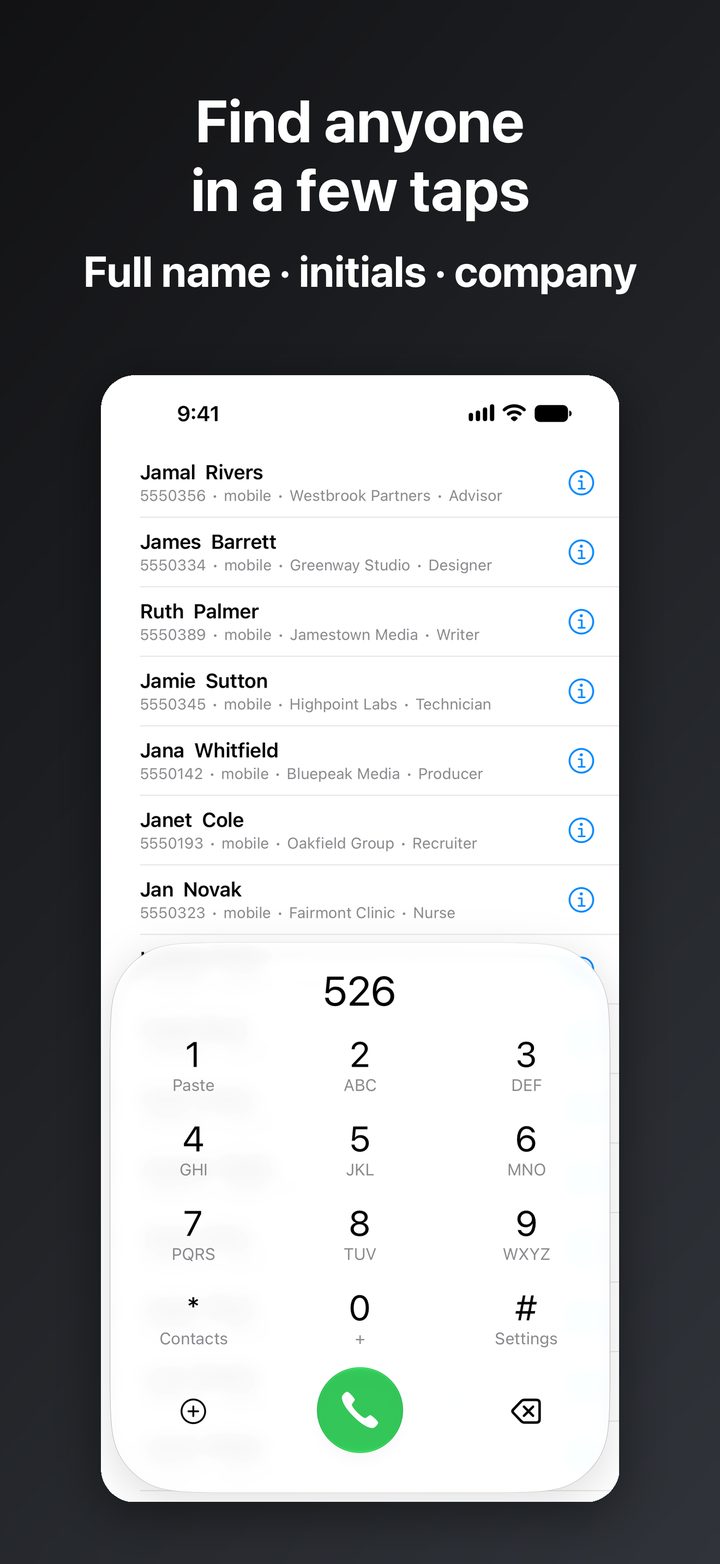
T9 Dial Lite keeps only the core of T9 dialing. It launches fast, stays small, shows no ads and never connects to the internet. Search by full name, initials, part of a number, company, job title or nickname, in 60 languages.
Why Lite?
Everything happens on your iPhone. The App has no servers, no ad or analytics SDKs and no iCloud, so it stays fast and your contacts stay with you.
Features
The essentials of T9 dialing, nothing more.
Find anyone fast
Full name, initials or part of a number. Company names, job titles and nicknames are searchable too. Shows the region for mainland China numbers.
Many languages and scripts
Available in 60 languages. Chinese names by Pinyin; Japanese with a kana keypad, Korean with a Hangul keypad; Cyrillic, Greek, Hebrew, Arabic and Thai by their own letters.
One-handed keypad
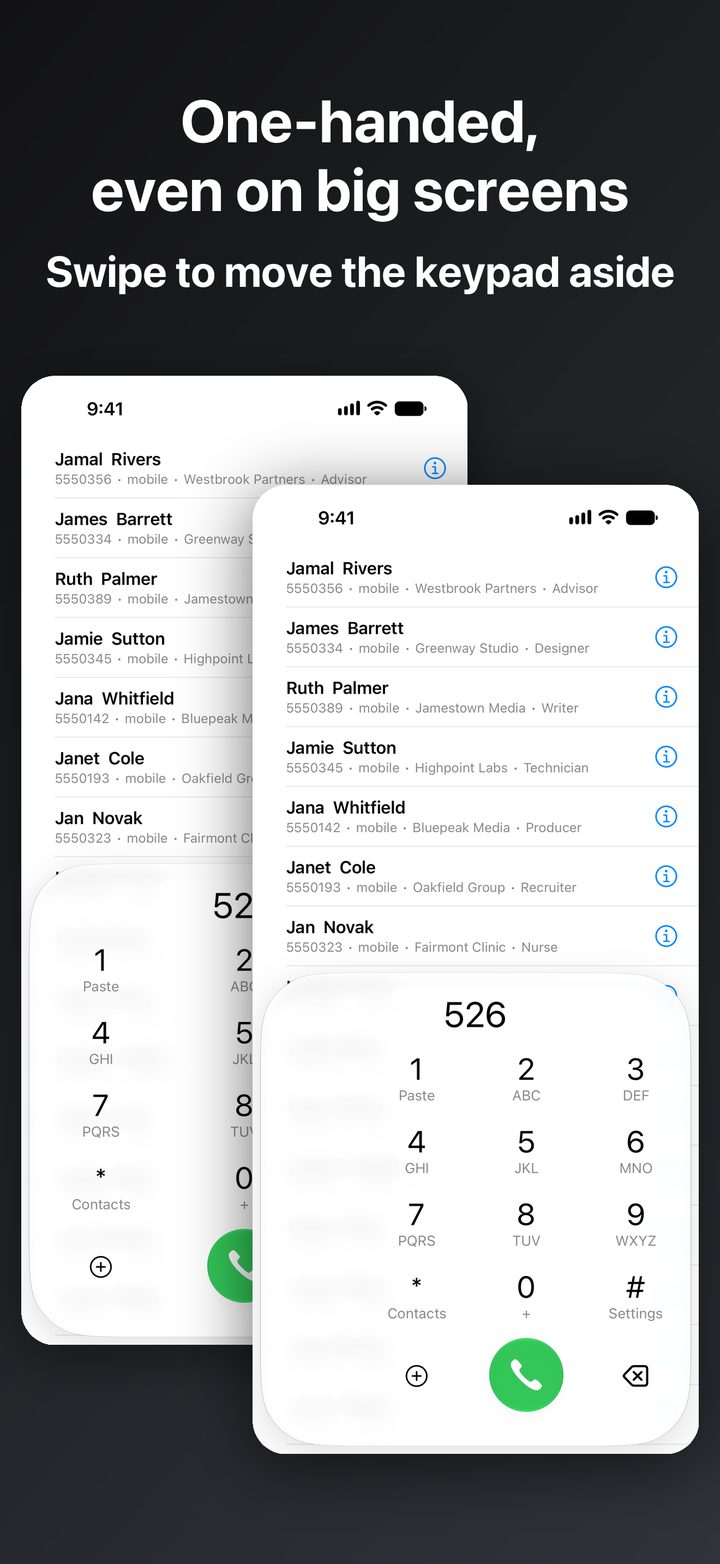
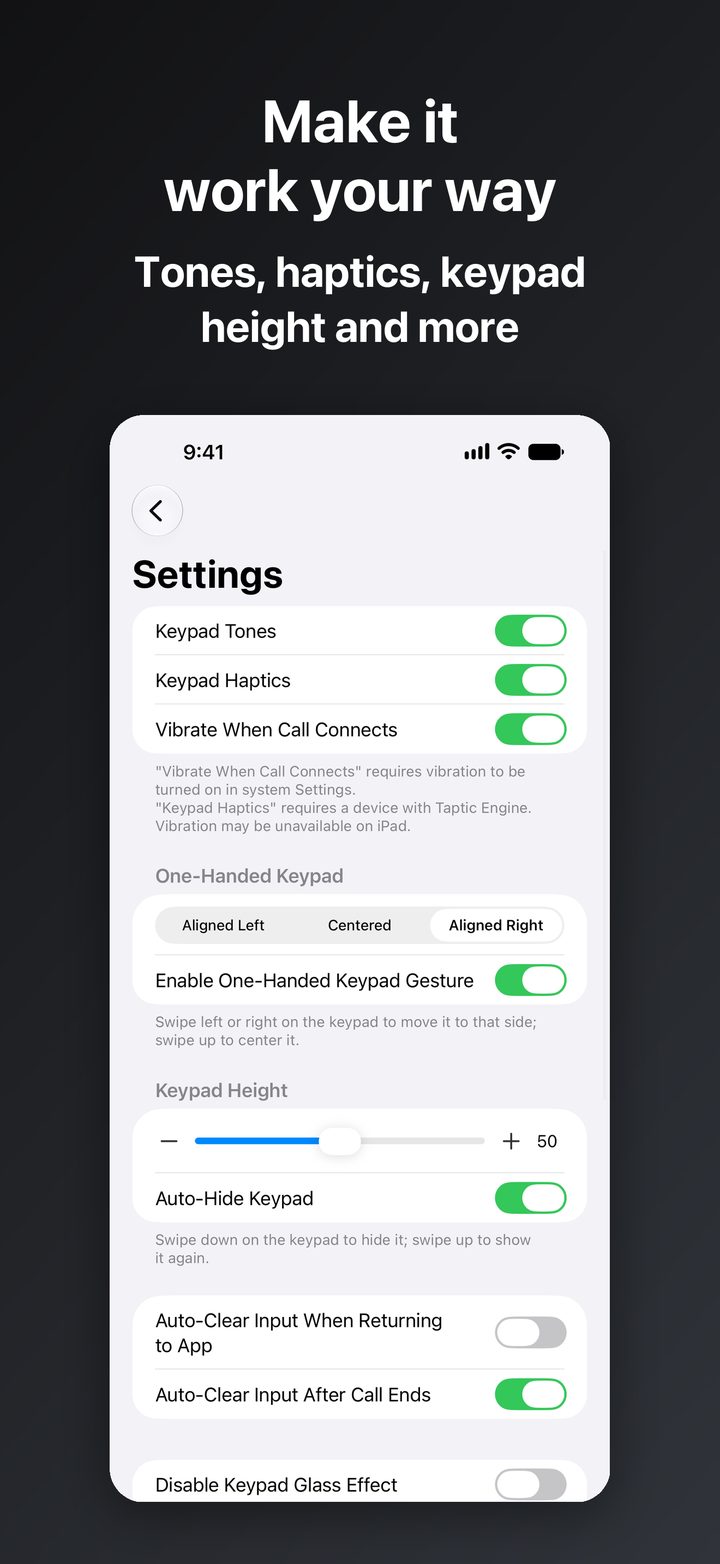
Swipe left or right on the keypad to move it to that side, swipe up to center it, swipe down to hide it. Adjustable keypad height.
Handy shortcuts
Long press 1 to paste a number, 0 for +, * for Contacts. Swipe on a contact to send a message or start FaceTime.
Make it yours
Five free app icons. Keypad tones, keypad haptics and the keypad glass effect can be turned on or off.
Foldable iPhone
When unfolded, results and keypad sit side by side, and the keypad stays clear of the crease when half-folded.
Screenshots
Privacy
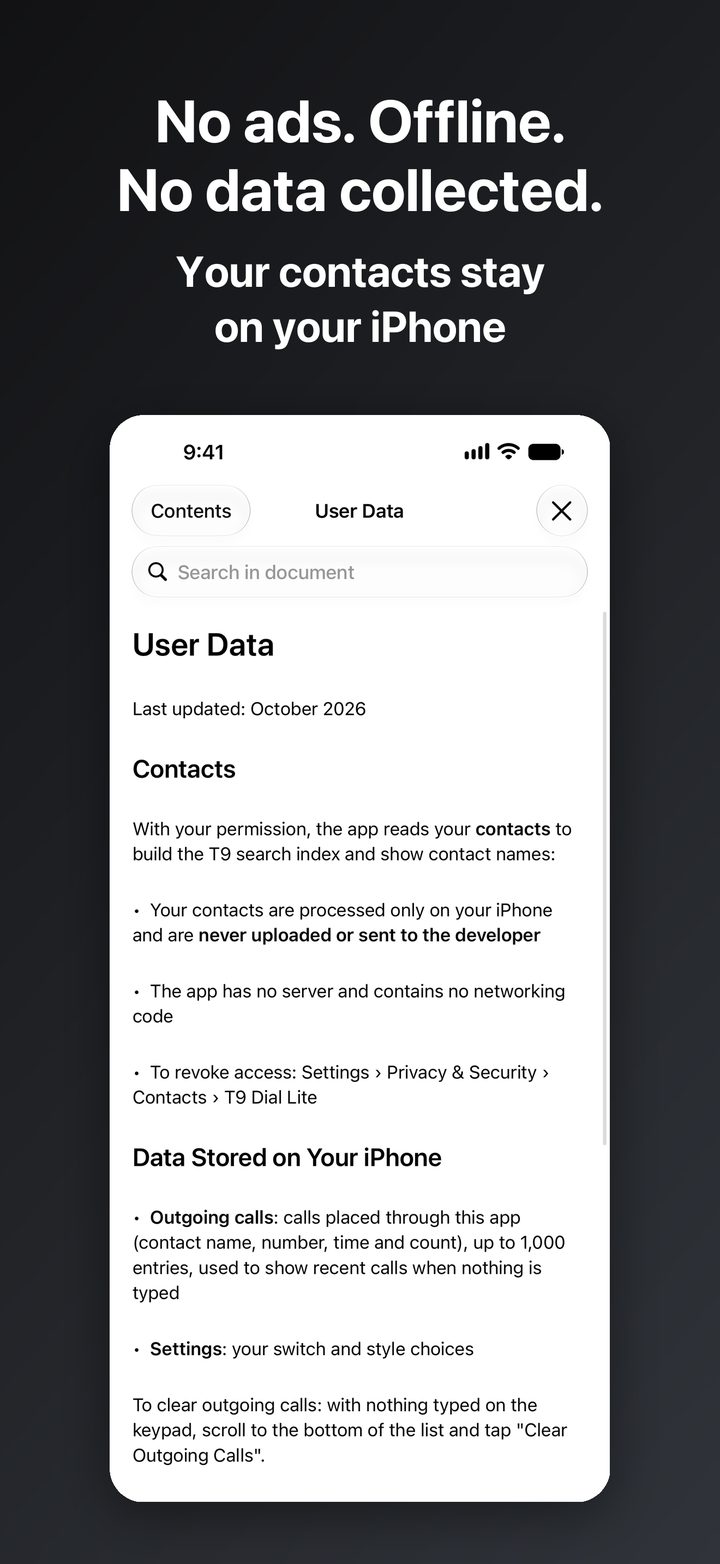
Your contacts are processed only on your iPhone and are never uploaded. The App does not connect to the internet and collects no data.
FAQ
Which devices and systems are supported?
iPhone with iOS 15 or later.
Why do calls need confirmation? Can I choose a SIM?
It depends on your iOS version and default calling app. On iOS 18.2 or later you can set T9 Dial Lite as your default calling app in Settings › Apps › Default Apps › Calling; it then calls without confirmation. On iOS 26 or later, with Phone as the default calling app, a system screen lets you choose a SIM.
Can the app read the system call history?
No. iOS does not give third-party apps access to call history or missed calls. The app's outgoing calls list includes only calls placed through it.
Does the app connect to the internet?
No. It has no ads, analytics or iCloud sync, and dialing and T9 search work entirely on your iPhone.
Need more?
The full version, T9 Dial, adds Home Screen and Lock Screen widgets, Apple Watch, iCloud sync and more. It is a free download.